
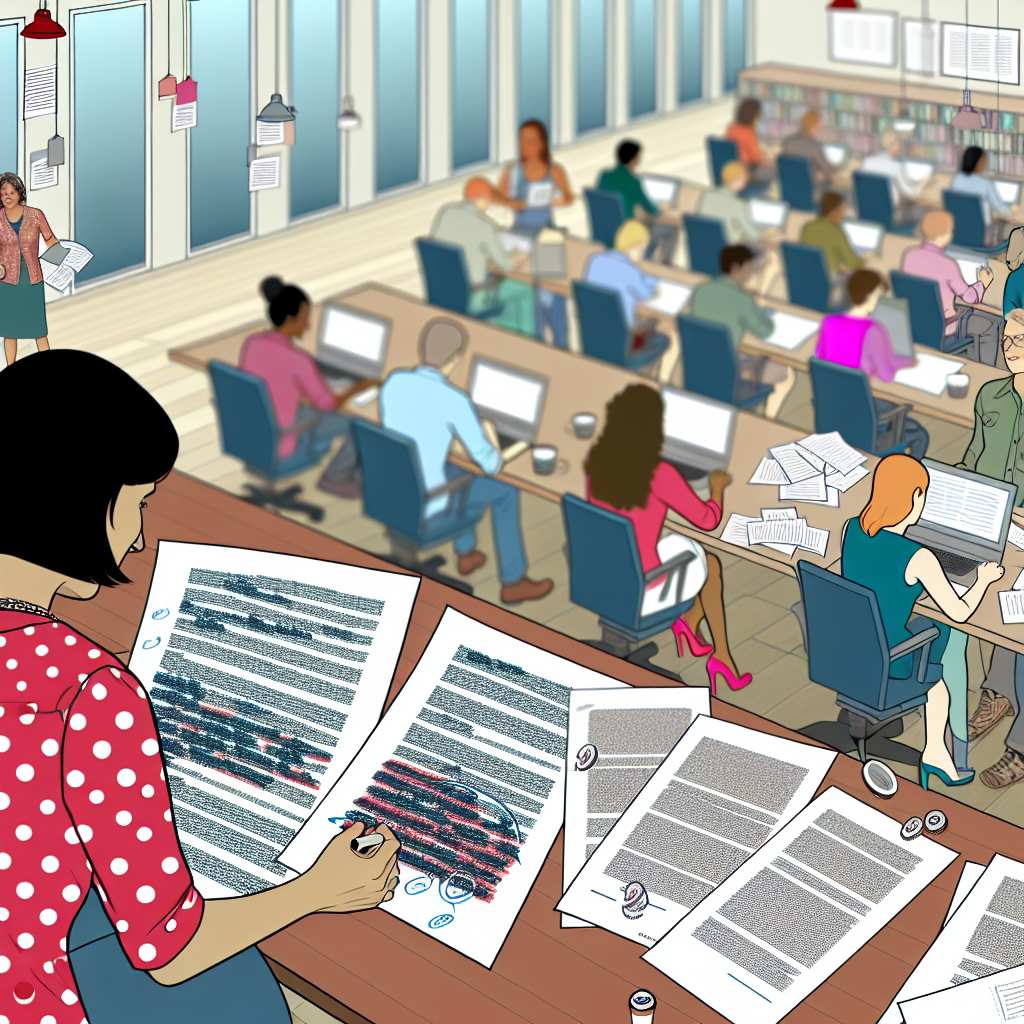
Understanding the Importance of Collaboration in WordPress Editing
Encouraging Diverse Perspectives
Collaboration brings diverse perspectives to the editorial process.
This diversity enhances creativity and innovation in content creation.
Moreover, it helps to identify potential gaps in the content strategy.
Improving Content Quality
When editors collaborate, they can improve the overall quality of content.
Multiple reviews lead to a more polished final product.
Additionally, collaborative feedback fosters continuous improvement.
Enhancing Workflow Efficiency
A collaborative environment streamlines the editing process.
Sharing responsibilities helps to lighten the workload for everyone involved.
Furthermore, it allows for faster turnaround times on projects.
Building a Strong Team Culture
Collaboration fosters a sense of community among team members.
It encourages open communication and sharing of ideas.
Ultimately, this contributes to a positive working atmosphere.
Creating a Support System
Editors can rely on each other for support during challenging projects.
This support helps to build confidence and resilience within the team.
As a result, every member can improve their editing skills.
Tools and Plugins that Facilitate Collaborative Editing in WordPress
Overview of Collaboration Plugins
Collaboration plugins enhance teamwork in WordPress.
These tools streamline the content creation process.
Using them leads to improved efficiency and productivity.
Popular Editing Plugins
Several popular plugins support collaborative editing.
One such tool is Co-Authors Plus.
This plugin allows multiple authors to be credited for a single post.
It simplifies content contributions from various team members.
Another useful plugin is Edit Flow.
Edit Flow helps teams manage their publishing workflow.
This tool includes calendar views, custom statuses, and editorial comments.
It ensures everyone stays on the same page regarding content progress.
Project Management Integrations
Integrating project management tools enhances collaboration.
For example, Trello can be linked to WordPress for task management.
This integration helps streamline content planning and organization.
Asana is another effective option for team collaboration.
Transform Your Content Workflow with Draft and Edit
Ready to elevate your WordPress content creation?
Visit
Draft and Edit today and experience the power of AI-driven drafts and seamless collaborative editing.
Join our community to streamline your content process and boost your productivity like never before!
It allows teams to track projects and assign tasks directly.
Using these tools can significantly improve workflow visibility.
Real-Time Editing Solutions
Real-time editing significantly enhances collaboration.
Google Docs integration allows teams to edit content simultaneously.
This feature reduces communication delays and improves efficiency.
Another option is the WP Real Time Editor plugin.
It allows multiple users to edit posts concurrently.
This can help teams work together seamlessly during the writing process.
Feedback and Commenting Tools
Feedback tools are crucial in collaborative environments.
Using plugins like Comment Moderation, teams can leave suggestions.
This encourages constructive feedback on drafts and helps refine content.
Inline comments can also enhance visibility in the editing process.
Tools like WP Comments for Posts allow editors to communicate effortlessly.
This builds a collaborative culture within the editing team.
Establishing Clear Roles and Responsibilities Among Editors
Importance of Defined Roles
Clear roles enhance productivity and reduce confusion.
Every editor knows their specific duties, which improves workflow.
This clarity fosters accountability among team members.
Identifying Key Responsibilities
Begin by outlining essential editing tasks for each editor.
For instance, one editor may focus on content creation.
Another can manage revisions and quality control.
Communicate these responsibilities openly to the team.
Promoting Collaboration
Encourage editors to share ideas and feedback regularly.
This process strengthens teamwork and enhances content quality.
Utilize collaborative tools for real-time communication.
Regular Check-Ins
Schedule weekly meetings to discuss progress and challenges.
These meetings help ensure alignment and address concerns.
Consistent communication fosters a supportive environment.
Adjusting Roles as Needed
Stay flexible by adjusting roles according to project demands.
This adaptability can lead to greater team success.
Regularly review and refine responsibilities to improve efficiency.
Transform Your Content Workflow with Draft and Edit
Ready to elevate your WordPress content creation?
Visit
Draft and Edit today and experience the power of AI-driven drafts and seamless collaborative editing.
Join our community to streamline your content process and boost your productivity like never before!
Uncover the Details: Enhancing Productivity with WordPress Content Management
Best Practices for Providing Constructive Feedback in a Collaborative Environment
Encourage Open Communication
Encouraging open communication fosters a positive environment.
Invite team members to express their ideas freely.
Furthermore, ensure that everyone feels heard.
Be Specific in Your Feedback
Specific feedback is more useful than vague comments.
Avoid general statements and focus on particular points.
For example, highlight strengths and areas for improvement.
Use Positive Language
Using positive language helps maintain morale.
Frame your feedback in a constructive manner.
Instead of saying, “This is wrong,” consider, “This could be improved.”
Focus on Solutions
When providing feedback, suggest actionable solutions.
Encourage collaborative brainstorming to find better approaches.
As a result, the team feels empowered to make changes.
Balance Negative and Positive Feedback
Balance is key when giving feedback.
Pair positive comments with constructive criticism.
This technique allows for a more holistic evaluation.
Encourage Follow-Up Discussions
Follow-up discussions ensure the team understands your feedback.
Schedule regular check-ins to address concerns and progress.
Additionally, it reinforces the importance of teamwork.
Creating a Shared Style Guide for Consistency in Content Creation
Importance of a Style Guide
A style guide creates a foundation for collaboration among editors.
It ensures all team members follow consistent writing practices.
Such consistency strengthens the brand’s voice and identity.
Moreover, it enhances the readability of the content.
Key Elements to Include
A comprehensive style guide must cover several key elements.
Start with grammar and punctuation guidelines to maintain uniformity.
Include preferred spelling variations, such as British versus American English.
Define specific terminology to ensure all team members use the same terms.
Furthermore, clarify formatting choices for headings and lists.
Establish rules for hyperlink usage to enhance reader experience.
Implementing the Style Guide
Once the style guide is developed, it should be easily accessible.
Transform Your Content Workflow with Draft and Edit
Ready to elevate your WordPress content creation?
Visit
Draft and Edit today and experience the power of AI-driven drafts and seamless collaborative editing.
Join our community to streamline your content process and boost your productivity like never before!
Create a shared document that all editors can reference.
Regularly update the guide to reflect evolving brand and industry standards.
Additionally, schedule training sessions to familiarize the team with the guide.
Encourage feedback so that the guide can continuously improve.
Enforcing Consistency
Consistency is key in maintaining quality across the content.
Regularly audit published articles to check adherence to the style guide.
Provide constructive feedback to team members as necessary.
Recognize and celebrate writers who consistently follow the guidelines.
This fosters a culture of excellence and teamwork within the editorial team.

Scheduling Regular Check-ins and Updates for Team Alignment
The Importance of Check-ins
Regular check-ins foster strong communication in a team.
They help everyone stay informed about ongoing projects.
Moreover, these sessions build trust among team members.
Establishing a Routine
Create a schedule for check-ins that works for the entire team.
Consistency is key to improving communication efficiency.
For instance, consider weekly or bi-weekly meetings.
Setting Clear Objectives
Define specific goals for each check-in session.
Make sure everyone knows what topics to prepare beforehand.
This approach keeps discussions focused and productive.
Encouraging Participation
Invite all team members to share their updates and input.
This practice promotes an inclusive environment.
Additionally, it empowers individuals to contribute to team goals.
Utilizing Technology
Leverage tools for video conferencing and collaboration.
Platforms like Zoom and Slack enhance communication effectiveness.
Ensure everyone is comfortable using these technologies.
Following Up on Action Items
After each meeting, summarize the key points and assigned tasks.
Send this summary to the team to maintain clarity.
This step reinforces accountability for progress.
Creating a Feedback Loop
Encourage team members to provide feedback on meetings.
Ask them what worked well and what can be improved.
This feedback will help optimize future check-ins.
Transform Your Content Workflow with Draft and Edit
Ready to elevate your WordPress content creation?
Visit
Draft and Edit today and experience the power of AI-driven drafts and seamless collaborative editing.
Join our community to streamline your content process and boost your productivity like never before!
Managing Conflict and Ensuring Effective Communication Among Editors
Establish Clear Roles and Responsibilities
Assign specific roles to each editor at the start of the project.
This clarity prevents overlap and confusion.
Establishing responsibilities also avoids misunderstandings later.
Regularly review these roles to adapt to changing needs.
Promote Open Communication
Create an open channel for feedback and discussions.
Encourage editors to express their thoughts freely.
Establishing regular check-ins helps maintain transparency.
Additionally, use collaborative tools to facilitate easy communication.
Implement Conflict Resolution Strategies
Address conflicts quickly to prevent escalation.
Encourage editors to discuss their concerns directly.
Offer mediation if necessary to facilitate dialogue.
Use structured conflict resolution techniques to guide discussions.
Foster a Positive Work Environment
Create an atmosphere that values respect and inclusion.
Recognize and celebrate team achievements regularly.
Encourage collaboration rather than competition among editors.
This positive environment enhances communication and reduces conflict.
Utilize Feedback Loops
Establish a system for regular feedback on contributions.
Use feedback sessions to highlight successes and areas for improvement.
Encourage constructive criticism to promote growth among editors.
Implement changes based on feedback to improve collaboration.
Encouraging Creativity and Diverse Perspectives in Collaborative Projects
Fostering an Open Environment
Encourage team members to share their unique ideas and insights.
An open environment promotes creativity and innovation.
Ensure everyone feels comfortable contributing their thoughts.
This approach nurtures varied perspectives and solutions.
Utilizing Collaborative Tools
Leverage tools like Google Docs and Trello for project management.
These platforms facilitate real-time collaboration and feedback.
Additionally, they help team members stay organized and informed.
Encouraging Constructive Feedback
Promote a culture of constructive criticism within the team.
Encourage members to provide specific, actionable suggestions.
This approach improves the quality of ideas and outcomes.
Transform Your Content Workflow with Draft and Edit
Ready to elevate your WordPress content creation?
Visit
Draft and Edit today and experience the power of AI-driven drafts and seamless collaborative editing.
Join our community to streamline your content process and boost your productivity like never before!
Setting Clear Expectations
Define clear roles and responsibilities for each team member.
This clarity ensures everyone knows their contributions are valued.
Moreover, it helps mitigate potential misunderstandings.
Celebrating Diverse Contributions
Acknowledge and celebrate the unique contributions of each member.
Recognizing achievements boosts morale and encourages participation.
Furthermore, it reinforces the value of diverse perspectives.
Additional Resources
Collaborative Agenda Setting in American Politics – UCWbLing
Bad coauthors: how to avoid them and what to do when you have one