

Understanding the Importance of a Streamlined Editorial Process
A streamlined editorial process significantly boosts productivity.
It reduces the time needed to publish content.
Moreover, it minimizes errors during content creation.
This efficiency leads to timely and consistent publishing.
Enhancing Efficiency
Strong collaboration among team members encourages creativity.
It fosters an environment where ideas can flourish.
Additionally, collaboration helps in aligning editorial goals.
Teams that communicate effectively produce better content.
Ensuring Quality
A streamlined process enhances content quality control.
It allows for thorough reviews before publishing.
This ensures every piece meets the set standards.
Ultimately, it builds trust with your audience.
Adapting to Change
In today’s fast-paced environment, adaptability is crucial.
A streamlined process allows for quicker adjustments.
This flexibility helps teams respond to audience feedback.
Consequently, it keeps the content relevant and engaging.
Essential WordPress Collaboration Tools for Teams
Project Management Tools
Project management tools enhance team collaboration effectively.
Tools like Trello and Asana facilitate task assignments.
These platforms allow teams to track progress transparently.
Moreover, they foster communication through comments and updates.
Content Editing Plugins
Content editing plugins streamline the writing process.
Plugins such as Yoast SEO help optimize content for search engines.
Additionally, CoSchedule offers features for social media integration.
This allows for effective management of blog promotion strategies.
Collaborative Writing Platforms
Collaborative writing platforms improve team synergy.
Google Docs allows multiple users to edit documents in real-time.
Microsoft Office 365 offers similar capabilities with Word and Excel.
These tools encourage feedback and revisions from all team members.
Communication Channels
Effective communication is the backbone of team collaboration.
Platforms like Slack and Microsoft Teams facilitate instant messaging.
Transform Your Content Workflow with Draft and Edit
Ready to elevate your WordPress content creation?
Visit
Draft and Edit today and experience the power of AI-driven drafts and seamless collaborative editing.
Join our community to streamline your content process and boost your productivity like never before!
These tools support video calls for enhanced discussions.
Furthermore, they allow integration with other tools for seamless workflows.
File Sharing Solutions
File sharing solutions enhance accessibility and organization.
Tools like Google Drive and Dropbox make document sharing effortless.
They ensure that all team members have access to necessary files.
This minimizes confusion regarding version control and edits.
Setting Up User Roles and Permissions in WordPress
Understanding User Roles
WordPress offers various user roles to manage your site’s editorial process.
Each role comes with specific permissions that dictate what users can do.
Understanding these roles helps streamline collaboration within your team.
Default User Roles
The default user roles in WordPress include Administrator, Editor, Author, Contributor, and Subscriber.
Administrators have full control over the site, managing settings and users.
Editors can publish and manage posts, including those authored by others.
Authors can publish and manage their posts but not those of others.
Contributors can write posts but require an editor to publish them.
Subscribers can only manage their profile and read content.
Customizing User Roles
Sometimes, default roles do not fully meet your needs.
Create custom roles using plugins such as User Role Editor or Members.
These plugins allow you to modify permissions for existing roles easily.
Custom roles can enhance your editorial workflow, tailoring responsibilities to team members.
Assigning User Roles
Assign user roles when adding new users to your WordPress site.
Navigate to the Users section in your dashboard and select Add New.
Fill in the required information and choose the appropriate role from the dropdown menu.
This step ensures that each team member has the correct level of access.
Regularly Review User Roles
As your team evolves, so should your user roles.
Regularly review and adjust permissions to align with changing responsibilities.
This practice minimizes security risks while optimizing productivity.
Additionally, ensure that inactive accounts are removed or re-assigned promptly.
Gain More Insights: Collaborative Content Planning: A WordPress Workflow Guide
Best Practices for Content Calendar Management in WordPress
Establish Clear Goals
Defining clear goals ensures your content aligns with your overall strategy.
Set specific targets for traffic, engagement, and conversions.
Transform Your Content Workflow with Draft and Edit
Ready to elevate your WordPress content creation?
Visit
Draft and Edit today and experience the power of AI-driven drafts and seamless collaborative editing.
Join our community to streamline your content process and boost your productivity like never before!
This approach helps you maintain focus throughout the planning process.
Utilize a Collaborative Platform
Select a tool that facilitates collaboration among team members.
Tools like Trello or Asana can streamline task management effectively.
Regular updates foster accountability and progress tracking.
Create a Consistent Posting Schedule
A consistent posting schedule builds audience expectations and trust.
Determine your ideal frequency for publishing content.
Adjust as necessary based on feedback and analytics.
Incorporate Flexibility for Trends
While consistency is crucial, allow room for topical content.
Monitor industry trends and adjust your calendar accordingly.
This flexibility can boost your relevance and audience engagement.
Assign Roles and Responsibilities
Clearly define roles for content creation, editing, and publication.
This organization minimizes confusion and streamlines the process.
Team members will know exactly what is expected of them.
Review and Revise Regularly
Schedule regular reviews of your content calendar to assess performance.
Identify what works and what doesn’t by analyzing engagement data.
Adjust strategies based on your findings to improve future outcomes.
Maintain Open Communication
Fostering open communication among team members enhances collaboration.
Regular check-ins can help address challenges or roadblocks.
Utilize chat tools like Slack for ongoing discussions.
Use Templates for Efficiency
Create content templates to standardize the creation process.
Templates save time and ensure consistency across your content.
Additionally, they can serve as a checklist for quality control.
Gain More Insights: Effective Content Review Strategies for WordPress Teams
Utilizing Plugins to Enhance Team Collaboration
Choosing the Right Plugins
Selecting the best plugins makes collaboration smoother.
Start by assessing your team’s specific needs.
Consider plugins that improve communication and task management.
This ensures everyone stays aligned and on the same page.
Essential Plugins for Collaboration
Numerous plugins can facilitate better teamwork.
For example, “Edit Flow” enhances editorial workflow.
It allows you to manage editorial calendars effectively.
Transform Your Content Workflow with Draft and Edit
Ready to elevate your WordPress content creation?
Visit
Draft and Edit today and experience the power of AI-driven drafts and seamless collaborative editing.
Join our community to streamline your content process and boost your productivity like never before!
“CoSchedule” integrates social media and blogging tasks.
This helps teams coordinate marketing efforts efficiently.
Moreover, “WP Project Manager” assists in tracking project progress.
It offers features like task assignments and deadlines.
Improving Communication
Clear communication is vital for team success.
Plugins like “Slack” can bridge the communication gap.
Integrating Slack allows real-time messaging within WordPress.
This feature keeps conversations organized and accessible.
Furthermore, “WP Talk” enables on-site discussions.
This fosters collaboration without leaving the WordPress dashboard.
Streamlining Approval Processes
Efficient approval processes save time and reduce confusion.
Use plugins like “WP Notify” for instant updates on drafts.
This ensures team members can review content quickly.
Additionally, “TablePress” can help in organizing feedback.
It allows teams to create collaborative feedback tables easily.
Monitoring Progress and Productivity
Monitoring progress is essential for maintaining efficiency.
Use “Google Analytics” integration to track content performance.
This provides insights into what works and what doesn’t.
Moreover, “Time Tracker” can help measure time spent on tasks.
This data enables better project planning in the future.
You Might Also Like: How to Manage Content Revisions and Feedback in WordPress
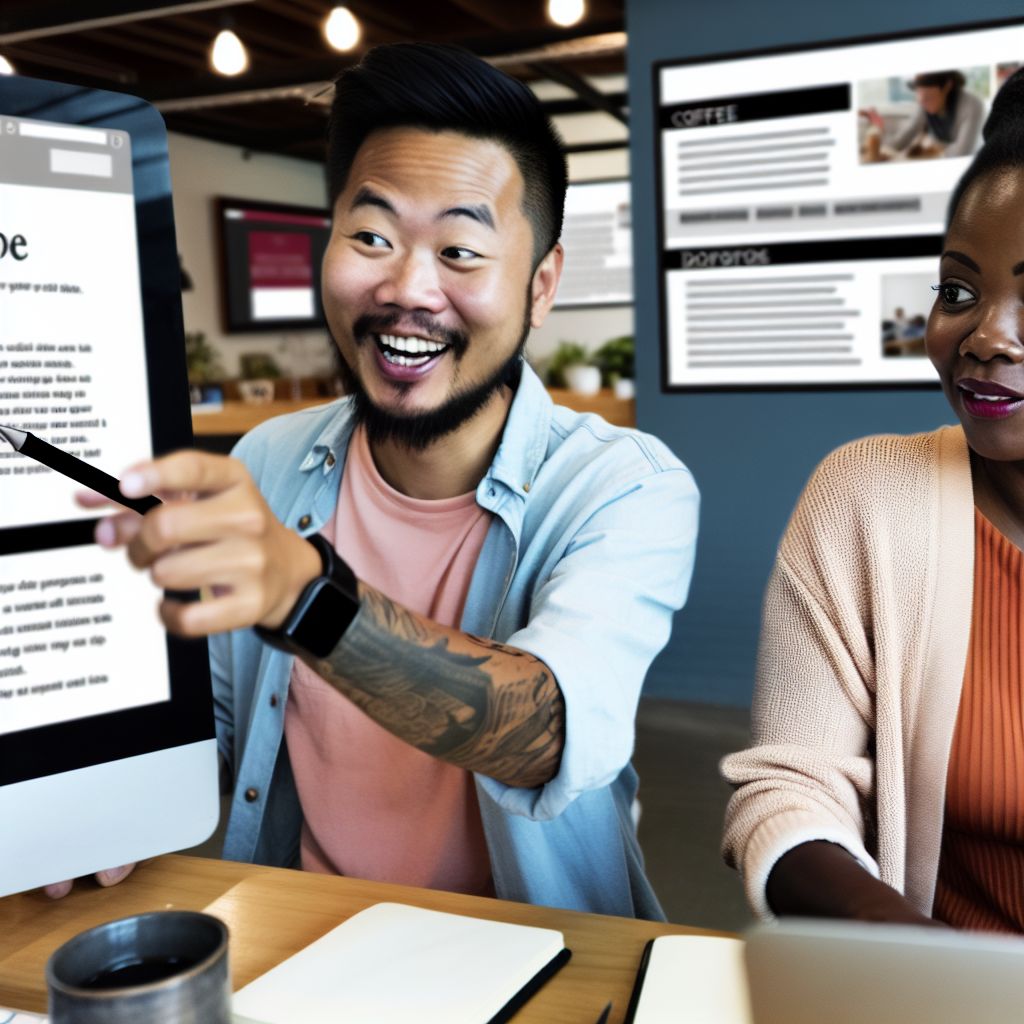
Establishing Clear Communication Channels Among Team Members
Importance of Effective Communication
Effective communication fosters collaboration among team members.
It enhances productivity and minimizes misunderstandings.
Furthermore, it encourages a healthy exchange of ideas.
Choosing the Right Tools
Select tools that suit your team’s needs and preferences.
Consider using platforms like Slack or Microsoft Teams for instant messaging.
Additionally, leverage tools like Trello or Asana for project management.
Creating a Communication Plan
Develop a clear communication plan for your team.
This plan should outline communication methods and expectations.
Include regular check-ins to ensure everyone remains aligned.
Transform Your Content Workflow with Draft and Edit
Ready to elevate your WordPress content creation?
Visit
Draft and Edit today and experience the power of AI-driven drafts and seamless collaborative editing.
Join our community to streamline your content process and boost your productivity like never before!
Encouraging Open Feedback
Foster an environment where feedback is encouraged.
Team members should feel comfortable sharing their thoughts.
Use feedback tools like Google Forms for anonymous suggestions.
Setting Up Regular Meetings
Schedule regular meetings to discuss ongoing projects.
These meetings allow team members to share updates and challenges.
Help facilitate a structured agenda to keep discussions focused.
Gain More Insights: Managing Editorial Roles and Permissions in WordPress
Creating and Implementing Editorial Guidelines for Consistency
Defining Your Objectives
Clearly define your editorial goals from the outset.
This clarity helps guide the team in content creation.
Identify the key messages that your brand needs to communicate.
These messages should resonate with your target audience.
Establishing Style Guidelines
Decide on a consistent tone and voice for all content.
This decision shapes how your audience perceives your brand.
Include guidelines on grammar, punctuation, and formatting.
For instance, specify whether to use American or British English.
Creating a Content Calendar
A content calendar keeps your team organized and focused.
Plan out topics, deadlines, and assigned writers systematically.
Regularly update the calendar to reflect changes and new ideas.
This approach fosters accountability within your editorial team.
Incorporating Collaboration Tools
Utilize tools like Google Docs or Trello for collaboration.
These platforms enhance communication among team members.
Encourage feedback and revisions through comments and suggestions.
This practice promotes a culture of continuous improvement.
Providing Training and Resources
Offer training sessions to ensure everyone understands the guidelines.
Provide resources such as templates and examples for reference.
Consider creating a shared document that outlines best practices.
This resource can serve as a quick reference for writers.
Reviewing and Revising Guidelines
Regularly review your editorial guidelines for relevance and effectiveness.
Solicit feedback from your team to identify areas for improvement.
Make necessary adjustments to reflect changes in your brand strategy.
Transform Your Content Workflow with Draft and Edit
Ready to elevate your WordPress content creation?
Visit
Draft and Edit today and experience the power of AI-driven drafts and seamless collaborative editing.
Join our community to streamline your content process and boost your productivity like never before!
Emphasize the importance of flexibility within your guidelines.
Tracking Progress and Metrics for Continuous Improvement
Importance of Monitoring Progress
Tracking progress is essential for any successful editorial process.
It helps identify strengths and weaknesses in workflows.
Moreover, regular monitoring promotes accountability among team members.
Ultimately, it drives improvements to the overall process.
Defining Key Performance Indicators
Establishing key performance indicators (KPIs) is crucial.
These metrics should align with your editorial goals.
Some common KPIs include content engagement and deadline adherence.
Furthermore, use audience growth as a key indicator of success.
Utilizing Analytics Tools
Analytics tools can provide valuable insights into your content’s performance.
Consider using Google Analytics to track website traffic patterns.
Social media analytics can reveal audience engagement trends.
Additionally, these tools help you measure the effectiveness of marketing strategies.
Regular Team Reviews
Schedule regular reviews to discuss progress and challenges.
Involve all team members in these sessions for collective insight.
Use these meetings to celebrate successes and identify areas for improvement.
Continuous feedback fosters collaboration and unity.
Adjusting Strategies Based on Data
Be prepared to adjust your editorial strategies based on collected data.
Analyze insights carefully and respond proactively.
For instance, if certain topics perform better, consider focusing more on them.
Flexibility helps you stay relevant in a changing landscape.
Fostering a Culture of Improvement
Encouraging a culture of continuous improvement can enhance your team’s dynamics.
Empower team members to suggest changes and innovations.
Provide training opportunities to develop new skills.
Ultimately, this culture leads to better outcomes for your editorial efforts.
Additional Resources
Creating an Efficient Content Publishing Strategy (+Checklist)
Mickey Butts – Editorial Director – The Insight Content Lab | LinkedIn